
Keep your pet’s next vaccination date in view.
When a vaccination date is months away, it is easy to lose track of the appointment. PETsperity helps you keep the previous vaccination in the health history and create a reminder for the next date recommended by your veterinarian.
Start with the Free plan. Compare plans for usage limits and paid features.
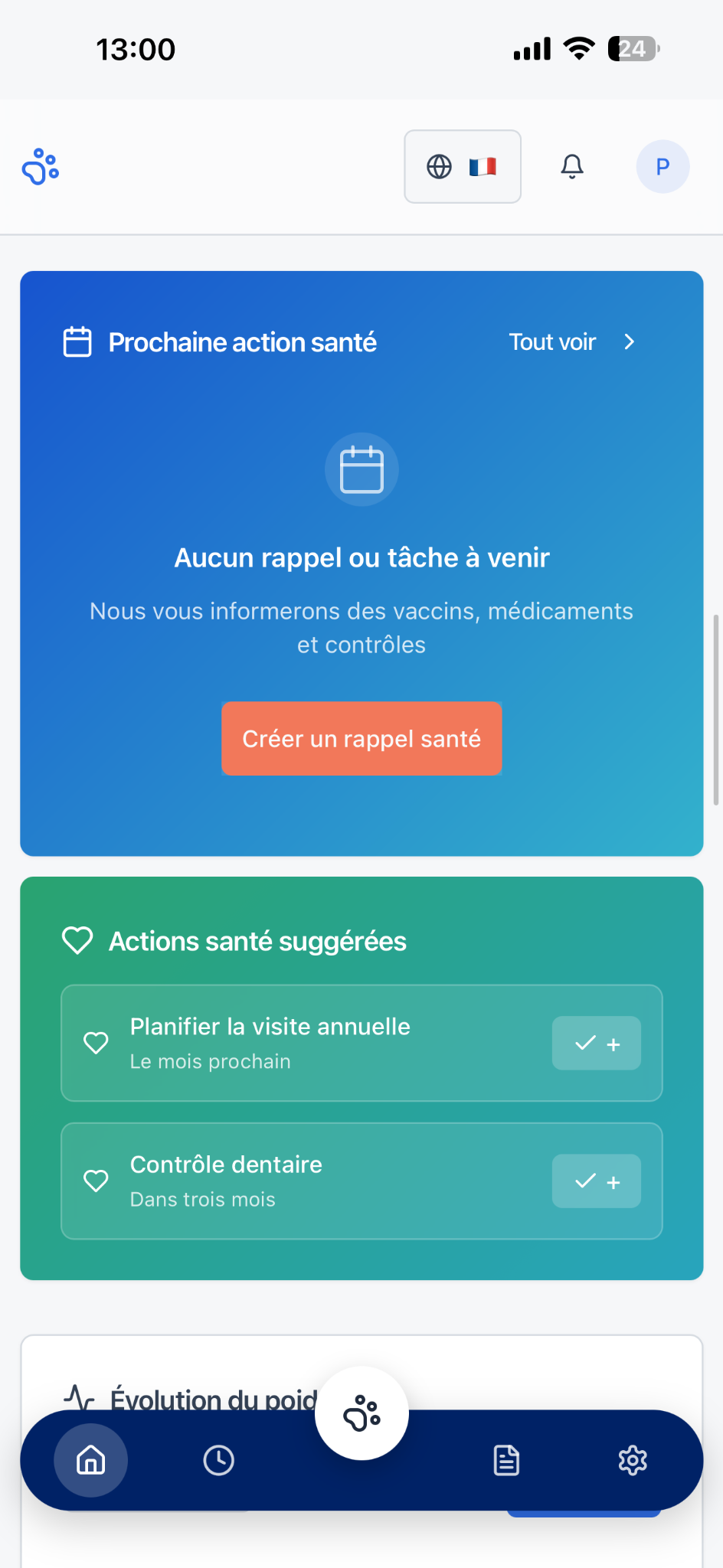
Record the vaccination after the visit
Add a vaccination event with the date and relevant notes. Keep a copy of the supporting document with the event when available, so the details are easier to find next time.
Set a reminder for the date your vet recommends
Choose the vaccination reminder type and add a title, date, time and notes. Use the date given by your clinic. PETsperity helps organise that date; your veterinarian decides which vaccines your animal needs.
Connect the next step to the history
Check the upcoming reminder when planning the appointment. After the visit, update the health history and add the next reminder if your veterinarian recommends one. Check your device and notification settings for alerts.
How to get started
- Confirm the next vaccination date with your veterinarian.
- Create a vaccination reminder with the agreed date and time.
- Update the vaccination record after the appointment.
Your questions answered
Does PETsperity calculate a vaccination schedule?
This page describes reminders for dates you enter. Your veterinarian determines the appropriate vaccines and schedule for your pet.
Can I keep a copy of the vaccination document?
You can add an available attachment to the health event. Keep the original certificate or official passport where required.
Do reminders guarantee that I will receive an alert?
No. Check the saved date, device settings and notification permissions. Keep another reminder for essential appointments.
Explore related features
Digital health records
Keep veterinary visits, vaccination records, treatment notes and documents together. Discover the PETsperity digital health record for dogs and cats.
Medication reminders
Keep treatment notes and create medication reminders in PETsperity. Organise the routine prescribed by your veterinarian for your dog or cat.