
A clearer medication routine for your pet.
A prescription, a clinic message and a note on the fridge can leave you searching for the right information. PETsperity helps you keep treatment notes in the health history and create medication reminders for the routine agreed with your veterinarian.
Start with the Free plan. Compare plans for usage limits and paid features.
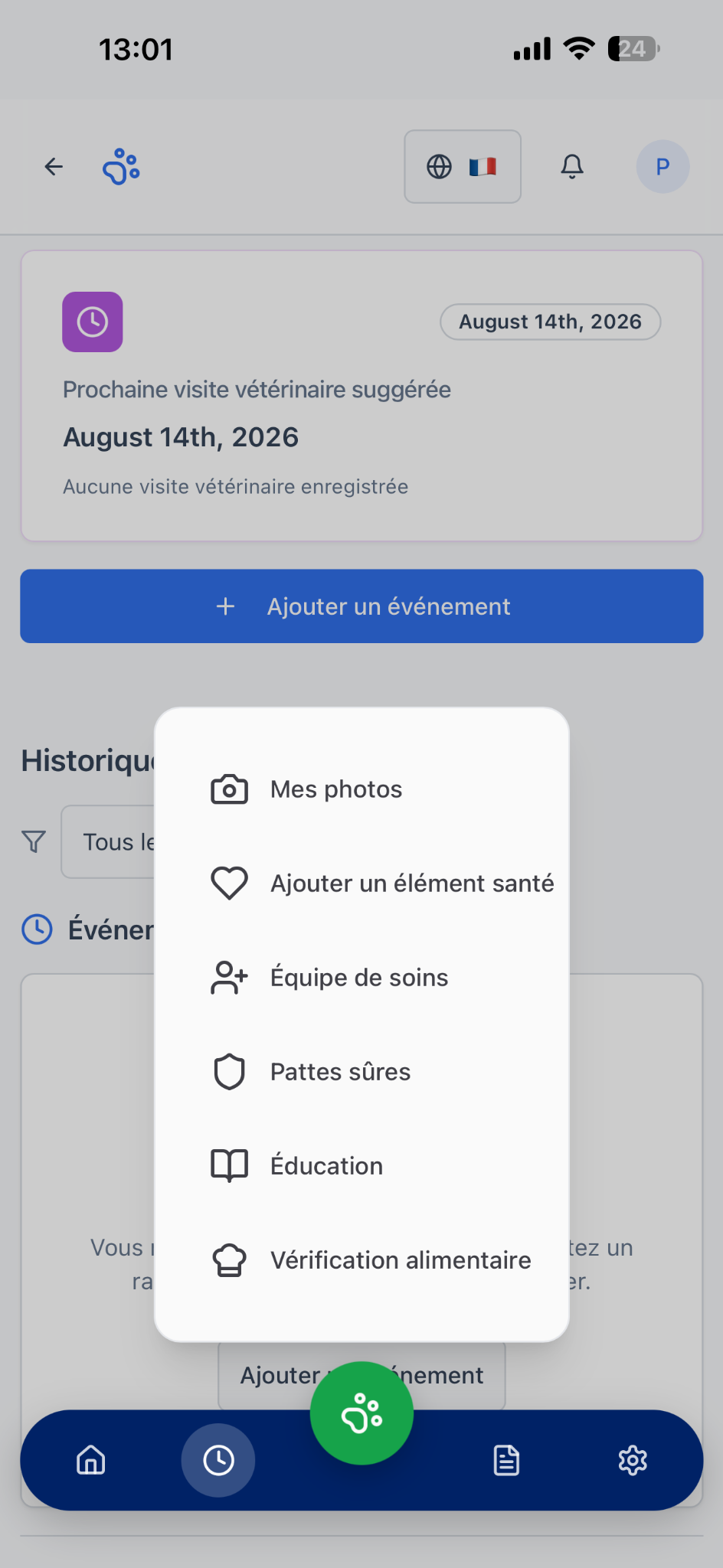
Keep veterinary instructions at hand
Add a medication health event with the treatment name, date and notes. Copy the veterinarian’s instructions accurately and attach the prescription when available. The app records information; it does not advise on doses.
Create reminders for the prescribed routine
Choose the medication reminder type and enter a title, date, time and useful notes. Check each saved reminder against the prescription. Add the reminders you need to organise the treatment routine.
Save observations to discuss with your vet
Use dated health notes to record what you want to discuss at your next appointment. If instructions are unclear or a dose is missed, contact the clinic before changing the treatment.
How to get started
- Keep the prescription and confirm the veterinary instructions.
- Add treatment notes and create the medication reminders you need.
- Update your notes and check the routine if the prescription changes.
Your questions answered
Can PETsperity recommend a dose or a medicine?
No. Use the medicine and dose prescribed by your veterinarian. PETsperity helps organise your information and reminders.
What should I do if I miss a dose?
Contact your veterinarian or follow their specific written instructions. Do not use this page to decide whether to repeat, skip or change a dose.
Are all features included in the Free plan?
The Free plan has usage limits. Compare Free, Pro and Family to choose the plan that fits your care routine.
Explore related features
Digital health records
Keep veterinary visits, vaccination records, treatment notes and documents together. Discover the PETsperity digital health record for dogs and cats.
Vaccination reminders
Organise dog and cat vaccination records and set reminders for dates agreed with your vet. Explore vaccination reminders in the PETsperity app.