Begin with a clear identity page
Use your animal’s current name, species and a recent photo. Add breed when known, date of birth or clearly labelled estimated age, and any useful distinguishing features. If information is uncertain, label it rather than presenting a guess as a confirmed fact.
Check microchip details against the original document when applicable. A number saved in an app does not update an official registration database. Contact the relevant registry separately if your contact details need changing.
Keep a short care summary alongside the documents
A summary makes the folder easier to use; the supporting records preserve the context. Give each item a date so another caregiver can see which information is current.
- Identification and microchip details where applicable.
- Clinic contact information and a nominated emergency contact.
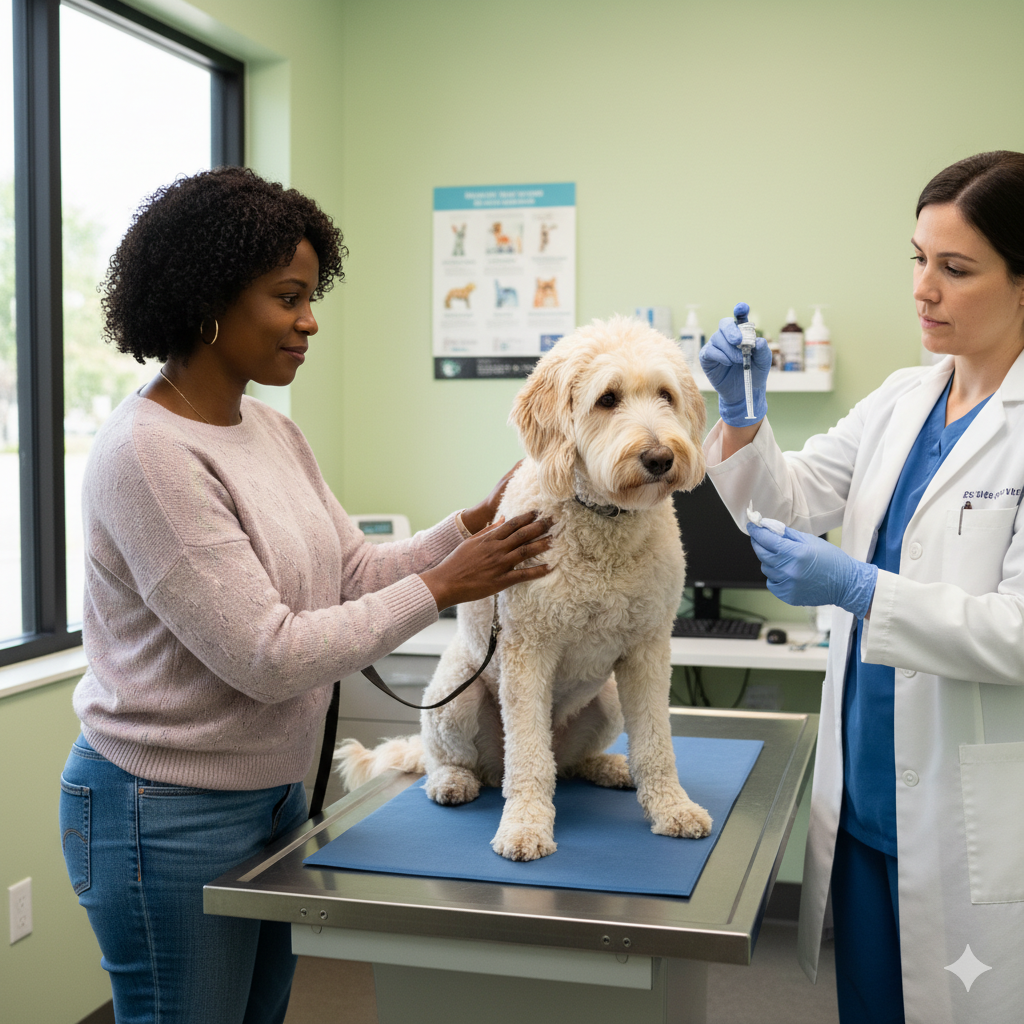
- Copies of vaccination records and relevant veterinary documents.
- Current treatment instructions copied from the veterinarian.
- Notes on known conditions or reactions, with their source and date.
- Location of the original documents.
Understand what an official EU passport is
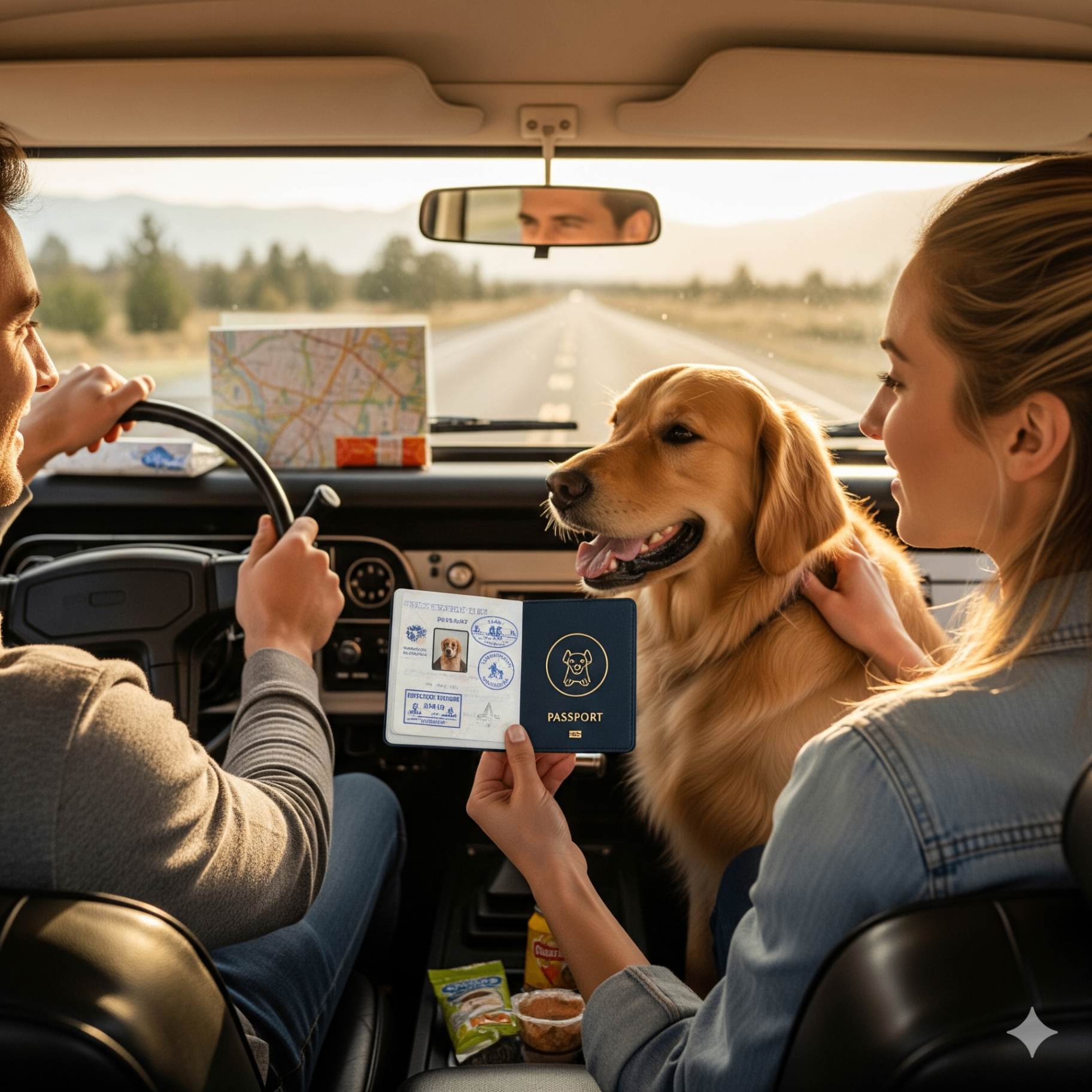
The European Commission describes the EU pet passport as an identification document for dogs, cats and ferrets, normally issued by an authorised veterinarian. A personal app profile does not issue that document.
Before travelling, check the official requirements for your route and animal. This article does not determine whether your pet may enter a country. For rabbits, birds or other species, do not assume the dog, cat and ferret rules apply.
Choose what to share with a caregiver
Before sending a document or showing a profile, check which personal details it contains. Share only the information needed for that person’s task. Keep clinic documents and full contact details out of a public social post.
For example, a sitter may need your preferred clinic and the location of a care note. They do not automatically need every historical document. Check access and permissions before relying on a shared view, and agree how updates will be communicated.
Review the folder when something changes
A new clinic, a changed telephone number or a new veterinary instruction is a reason to review the relevant entry. Keep a dated history where useful rather than silently mixing old and current instructions.
PETsperity helps you keep pet information and dated care records together. Features and limits depend on your plan. Start with the identity details and one recent document, then check that you can find both again. Keep the official originals available.
Your questions answered
Can I travel with only the PETsperity profile?
Do not rely on a personal digital profile as travel authorisation. Check the official documents required by the destination, transit countries and carrier, and keep the originals.
Is a microchip number in the app the same as registration?
No. Saving a number in your notes does not register a microchip or change contact details in a registry. Use the appropriate official registration service.
Can I organise information for species other than dogs and cats?
The checklist can help you organise a personal folder for different species. Official documents and care requirements vary. Use the features available for your animal and confirm species-specific requirements with the relevant professional.